You can drill into the project by clicking the project name, or by clicking the button at the bottom of the tile.
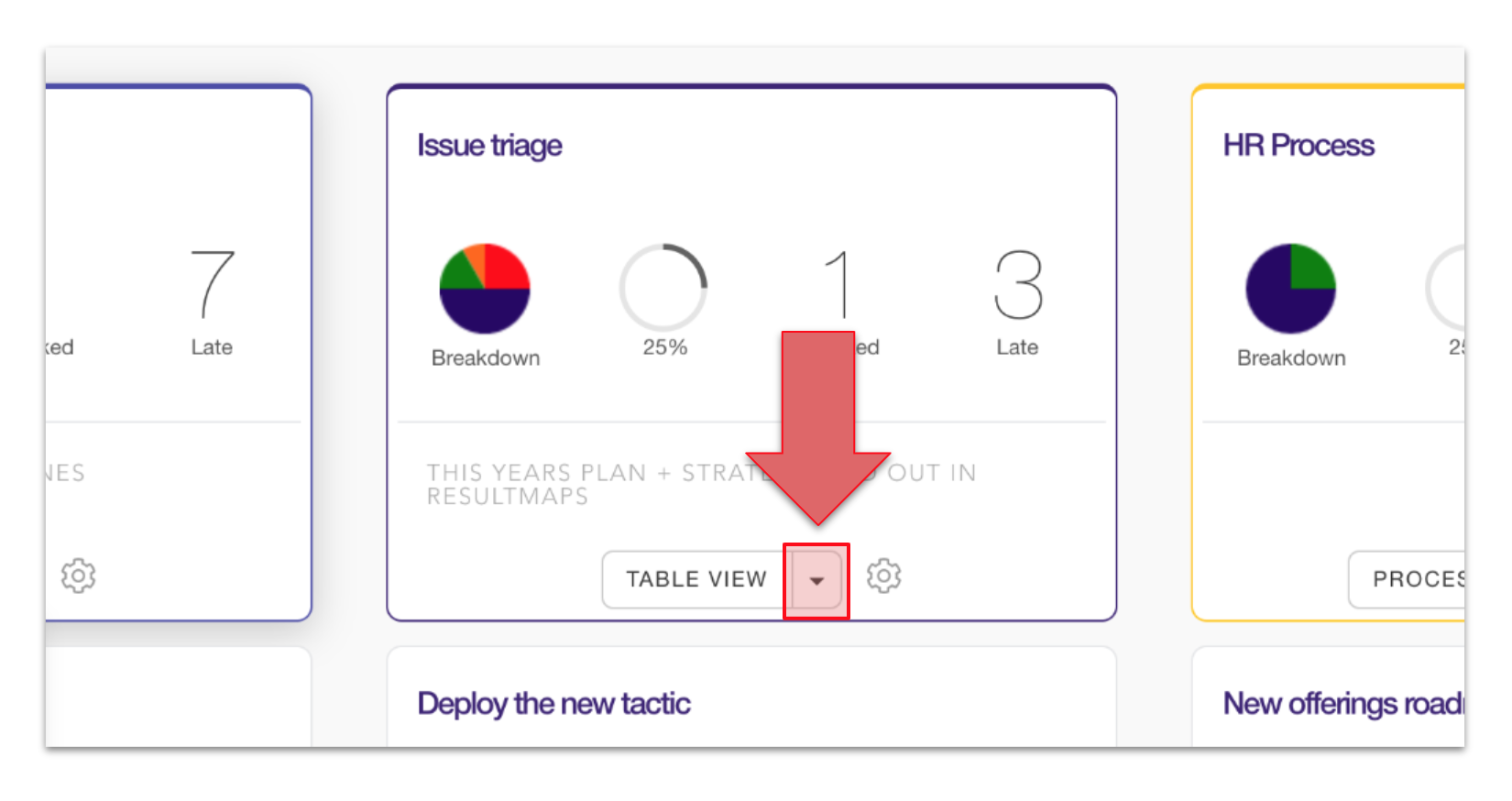
You can also click the drop-down arrow next to the default view to choose a specific viewing option for zooming into the project.
You can drill into the project by clicking the project name, or by clicking the button at the bottom of the tile.
You can also click the drop-down arrow next to the default view to choose a specific viewing option for zooming into the project.