Access preferences and customize your personal ResultMaps experience by clicking your profile info at the bottom left of your screen, and clicking personal settings.
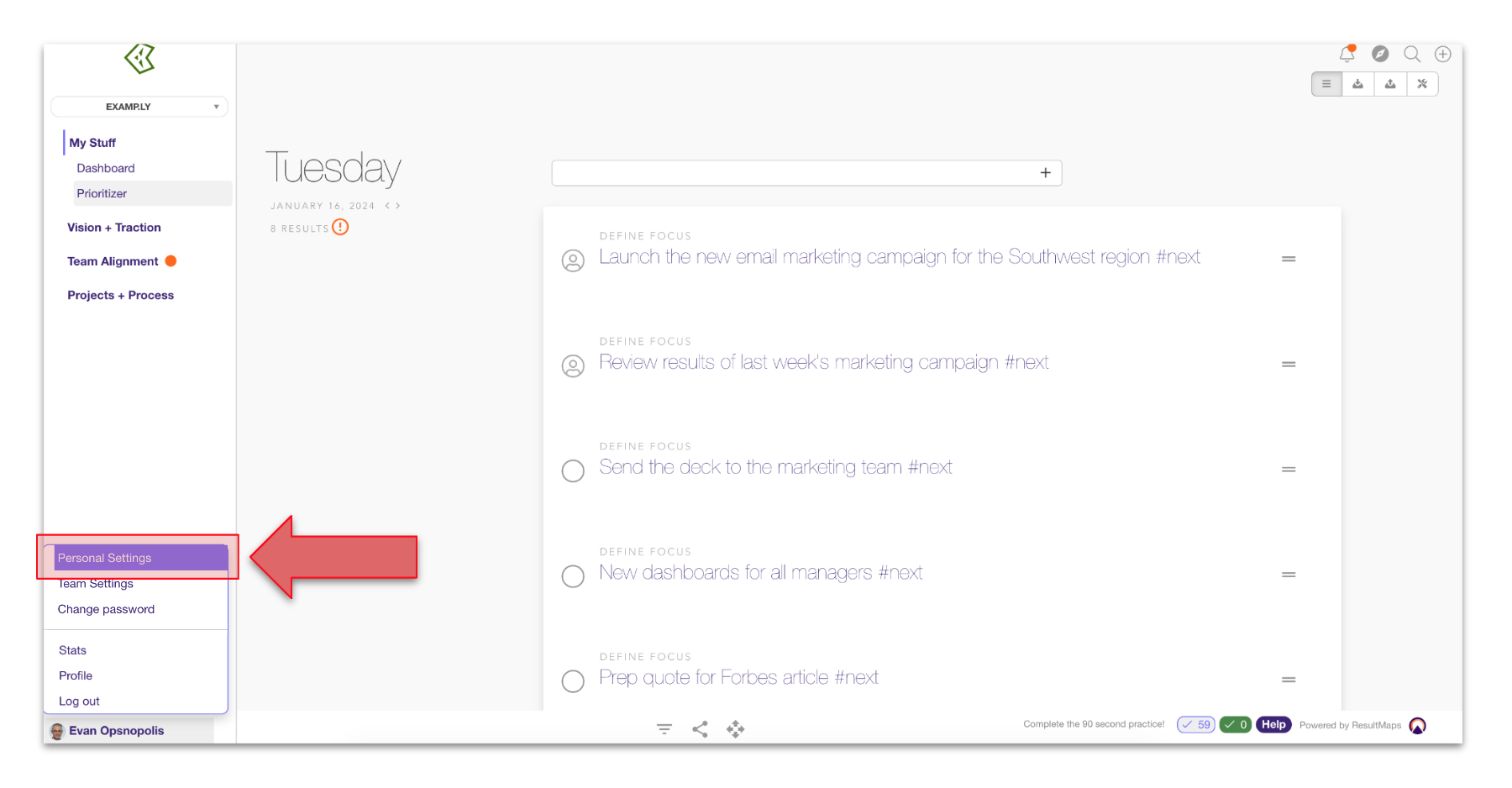
On this page, you can adjust settings like:
Update your profile picture
Update your login name (the name your teammates use to tag you)
Update notification preferences
Set your time zone
Set up integrations
Add a second email address (under Integrations)
Select a start up view
Select your primary team